A POS on any screen
Ring up orders on a phone, tablet or desktop. Big touch targets, totals and tax add themselves up.
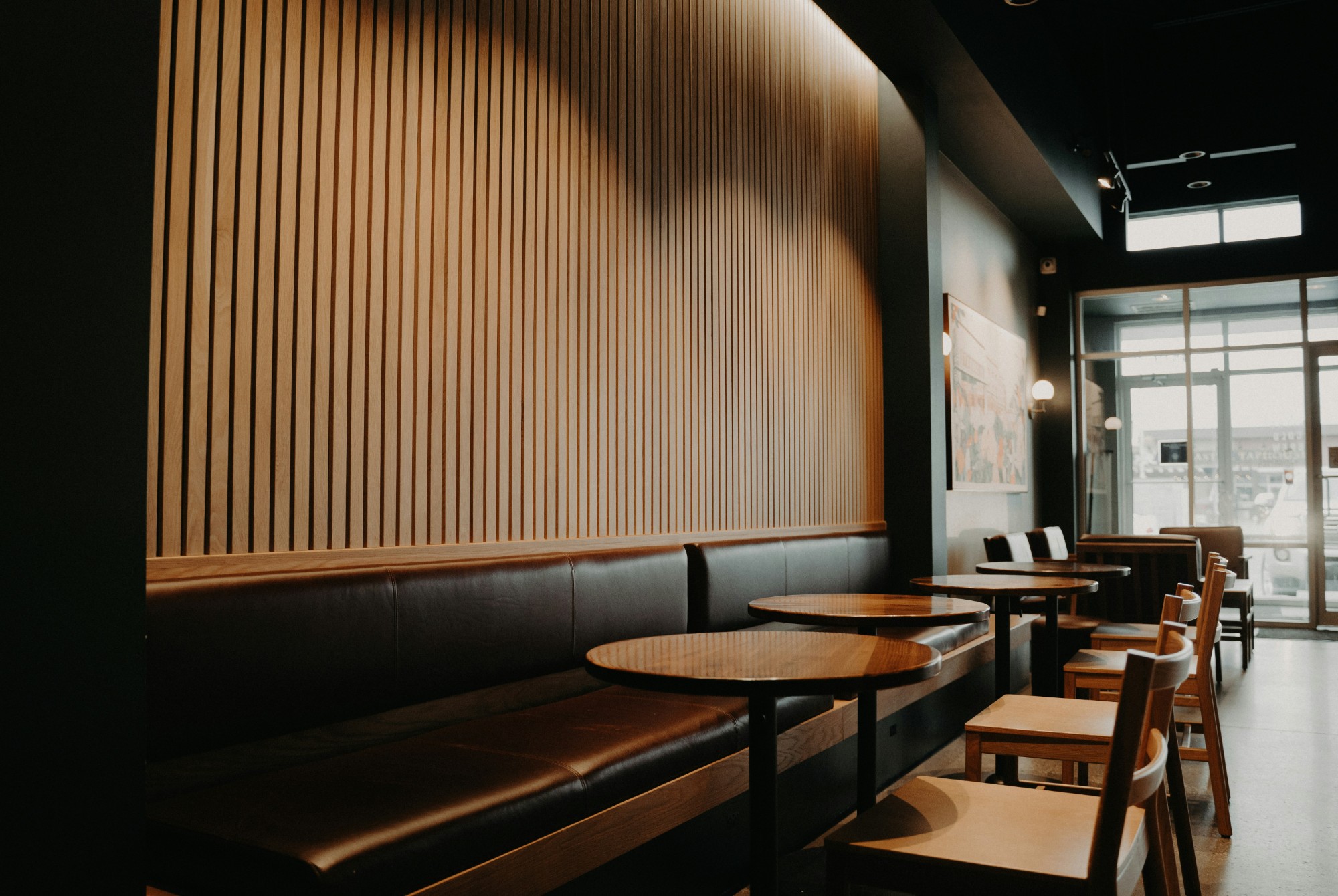
A touch-ready POS built for cafes and small restaurants. Try everything in Pro free for a month, then it’s ₱399 a month, or stay on Free.
Writing each order down and adding it up by hand takes longer than making the coffee. The mistakes end up in your cash drawer.
Most online POS apps stop the moment the connection does, and your line keeps growing anyway. On Pro, CafeCounter keeps selling.
Who’s at table 4, and was the 7 pm booking for six or eight? A notebook by the till only knows what someone remembered to write.
At closing you know the cash total, but not which items earned it, how people paid, or what’s left after expenses.
The till, tables, menu and staff are free. Items marked Pro come with the ₱399 plan.
Ring up orders on a phone, tablet or desktop. Big touch targets, totals and tax add themselves up.
When the internet drops, the POS keeps taking orders and syncs the sales on its own once you’re back online. Each sale keeps the price shown when it was rung up.
The device needs to have signed in online at least once. Reports and settings need a connection.
Tag every order with how it leaves the counter.
See which tables are free and who is booked tonight.
Sort items into your own categories and upload a photo for each, so new staff find the right drink fast.
Owner, manager and cashier. Cashiers only get the till.
Keep your regulars and their contact details in one list.
Sales trends, best sellers and payment methods, next to what you spent. Export it all as CSV.
Print or share a receipt for any order, and record e-wallet reference numbers with the payment.
Open the real CafeCounter with a sample cafe already set up. No account needed, and nothing you do is saved.
Try the demoAdd a few drinks, take an e-wallet payment, open the receipt.
Preparing, ready, completed. The table frees itself.
Daily sales, best sellers and how people paid.
Upgrade when you need more than 20 menu items, a second staff account, or the reports.
₱0 /month
Reports and expenses are locked on Free.
Start free₱399 /month
About ₱13 a day.
Everything in Free, plus:
Your first month is free. No card needed. Drops to Free automatically. After that, upgrade from Settings when you’re ready: pay monthly with PayPal, cancel anytime. Prices may change in the future; we’ll tell you before a new price applies to you.
Try Pro free for 1 monthNo. Your first shop gets 30 days of Pro with no card, and when the month is up it drops to Free on its own. Free needs no payment at all. Pro is ₱399 a month, billed through PayPal, and you can cancel anytime. The trial is one per person, shop and device.
A phone, tablet or computer with a modern web browser. There is nothing to download from an app store, though you can add CafeCounter to your home screen.
Pro shops keep selling offline and sync automatically. Free shops need a connection to charge. For offline selling, the device must have signed in online at least once, and reports and settings wait until you’re online again.
No. Cashiers only get the till. Managers can work with the menu, staff, reports and expenses. Settings and billing stay with the owner.
Everything you already have keeps working. You just can’t add more of that thing until you upgrade to Pro or remove something.
Create an account, add your menu, and ring up your first order. The Free plan stays free.
Start free